
UI Test
A downloadable game for Windows
UI Test is a project I worked on to learn how to design UI systems that are modular and portable, and lets the user configure game settings according to their choice.
Please note that Gemini AI was used to make(*) and tweak some of the scripts.
Some of the screen might appear glitchy(**) which might be fixed in an update in the future if possible.
Features :
Customizable intro and outro.
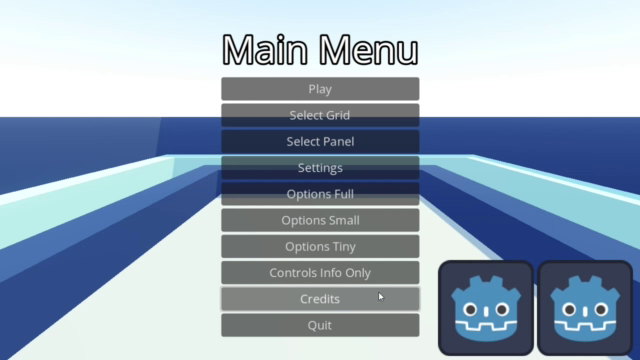
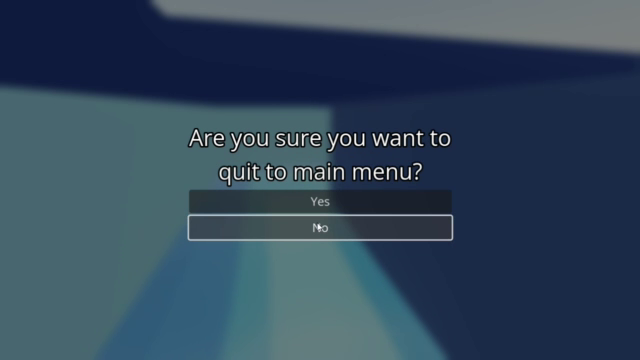
Customizable menu systems for main menu, pause menu and game over menu.
Customizable contact icons.*
Customizable grid select screen to select next scene to play.
Customizable sliding panel select screen to select next scene to play.* **
Customizable credits screen that automatically switches back to main menu after scrolling.
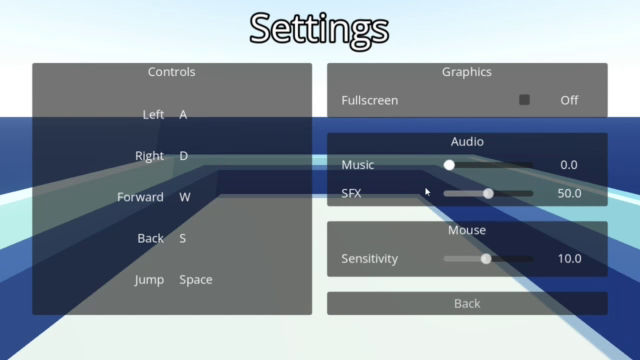
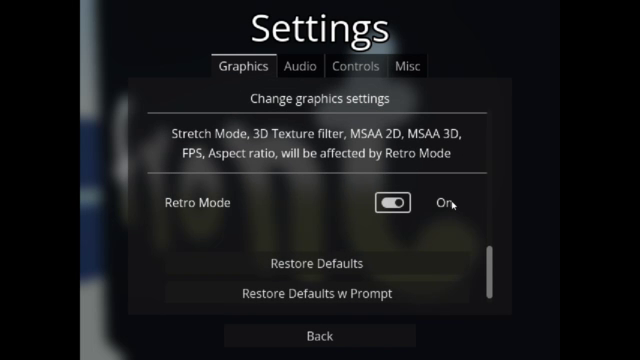
Customizable graphics (window mode, fps, 2d and 3d msaa, ssaa, 3d texture filter, scaling mode and scaling, etc)
to make the game look like a retro shooter of the 90s
or a modern game with high end graphics
Customizable audio settings for volume
Customizable controls (as well as non editable control info)
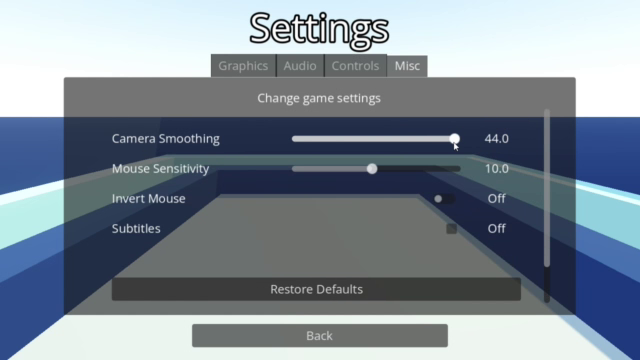
Customizable miscellaneous settings that effect the gameplay (designed only for first person game as of now)
Reset button and reset button with prompt to restore defaults.
Saving and loading for settings*, controls* and game data using managers and signal bus.
Four different option screens, each depending on the scope of the game.
(High end game, Indie game, Solo developed game, experimental project)
Independent settings screens for graphics, audio, controls or miscellaneous settings (with a screen to choose them)
Modular 'settings options' that can be added or removed depending on their necessity.
Dynamic 'adder' that adds all user defined controls (actions) in option screens (can be customized to ignore cheats).
Dynamic scaling (UI element positioning is adjusted depending on the screen ratio)
Dynamic fullscreen toggling (can be turned on via options or by pressing external keys).
Controls :
WASD - Move
Mouse - Look
Space - Jump
F1 - Toggle Stats Display
F12 / Alt + Enter - Toggle Fullscreen
Credits :
Pamgea BGM - Kevin MacLeod (incompentech.com) (CC3.0)
Inspired BGM - Kevin MacLeod (incompentech.com) (CC3.0)
Dropdown, CheckButton, Hotkeys, Sliders and TabContainer tutorials
- CoffeeCrowDev - https://www.youtube.com/@CoffeeCrowDev
Water shader tutorial - Bramwell Williams - https://www.youtube.com/@BramwellWilliams
Tools Used :
Godot - Game engine
Blender - Making 3d assets
Audacity - Creating sound effects.
Download
Install instructions
Extract the '.7z' file with winrar.
Run the '.exe' file.
Leave a comment
Log in with itch.io to leave a comment.